For Developers · Monetization Ads Provider
Cuty.io
Cuty.io uses a simple API-token setup. The path is Tools → Developer API → copy your API Token, then paste into Panda Auth and save.
Before you start
Register or log in at cuty.io before continuing.
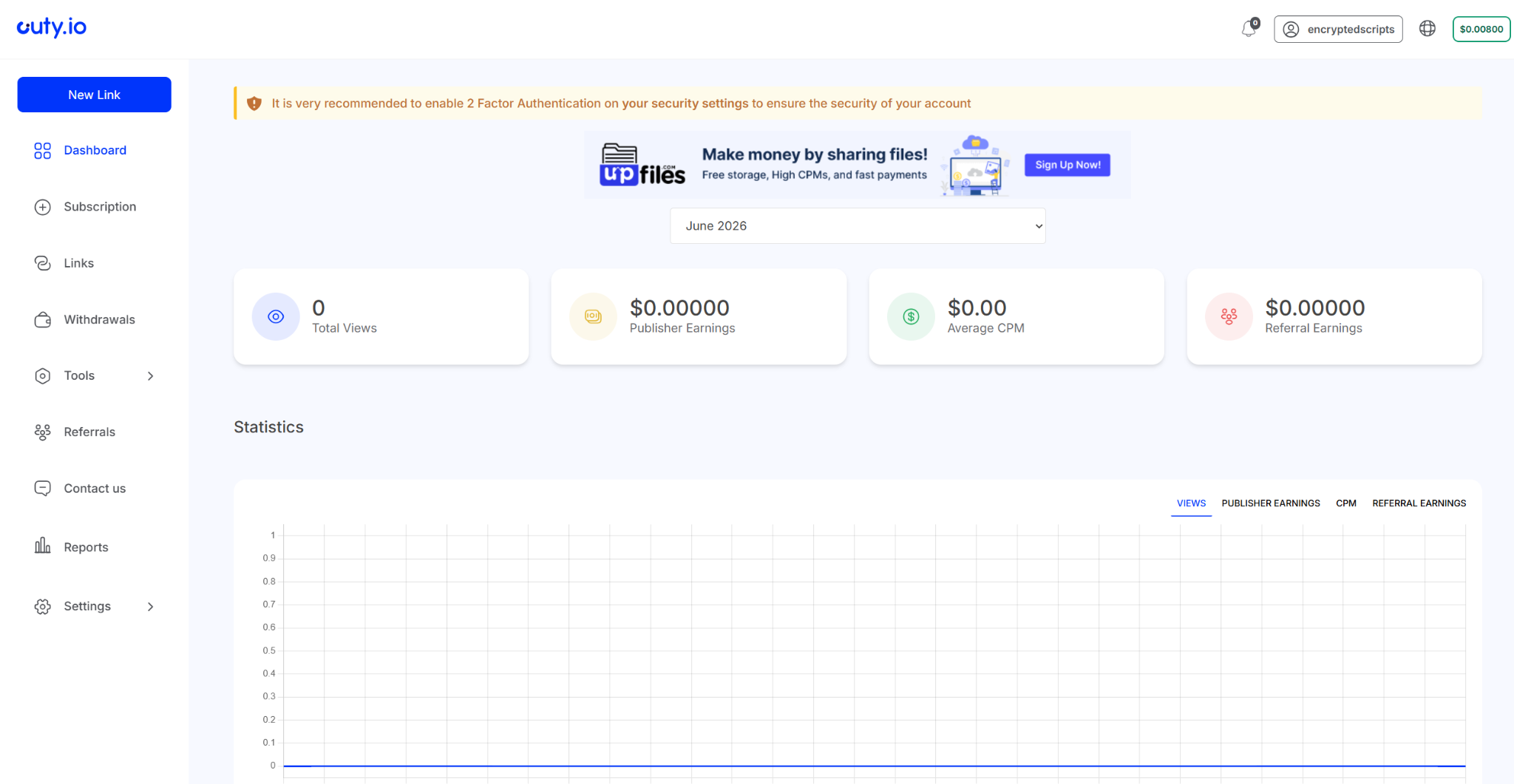
Step 1 — Log into Cuty.io
Step 2 — Open Tools → Developer API
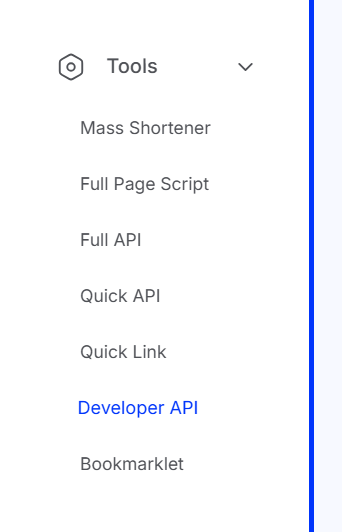
Once you are in the dashboard, navigate to Tools → Developer API.
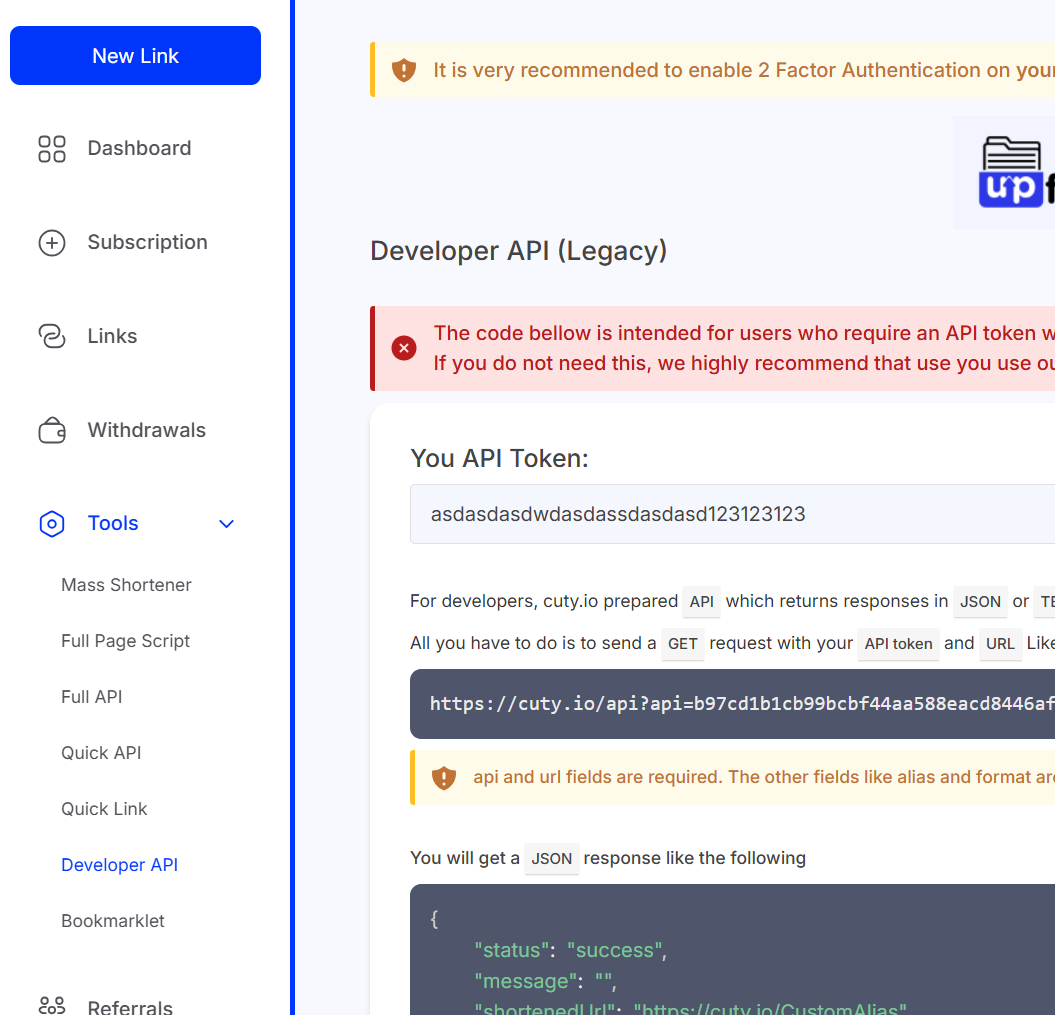
Step 3 — Copy your API Token
Step 4 — Paste into Panda Auth and save
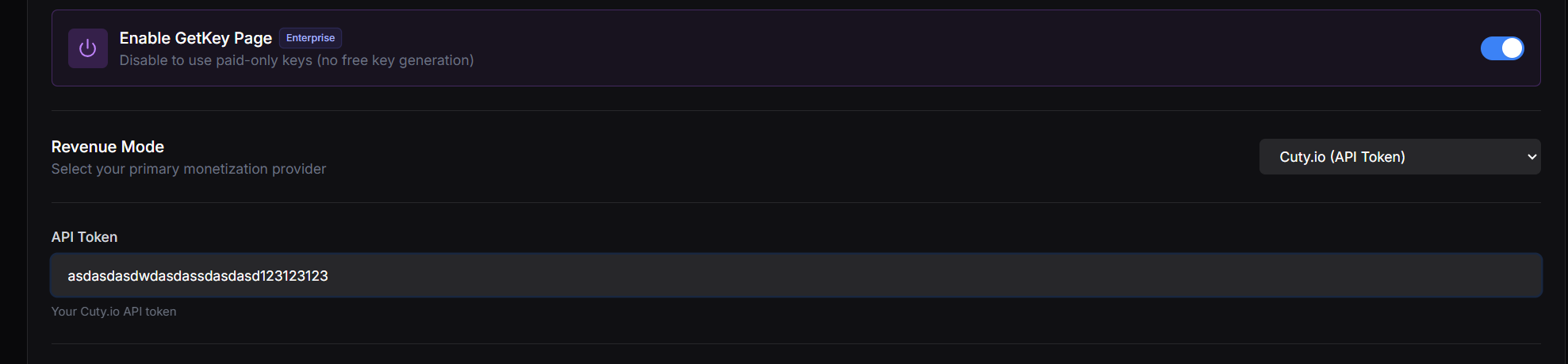
Back in Panda Auth, go to Monetization Settings → Revenue Settings, select Cuty.io from the Revenue Mode dropdown, paste your API Token, and click Save Changes.
Done
Cuty.io is now your active provider.