Getting Started
Quick Start
Creating a Panda Auth R3 account takes about two minutes. Pick the account type that fits how you'll use the platform, fill in the form, verify your email, and you land in your dashboard ready to create your first service. This page walks through the full registration flow for a Developer account — the path most operators take.
Step 1 — Open Panda Auth R3
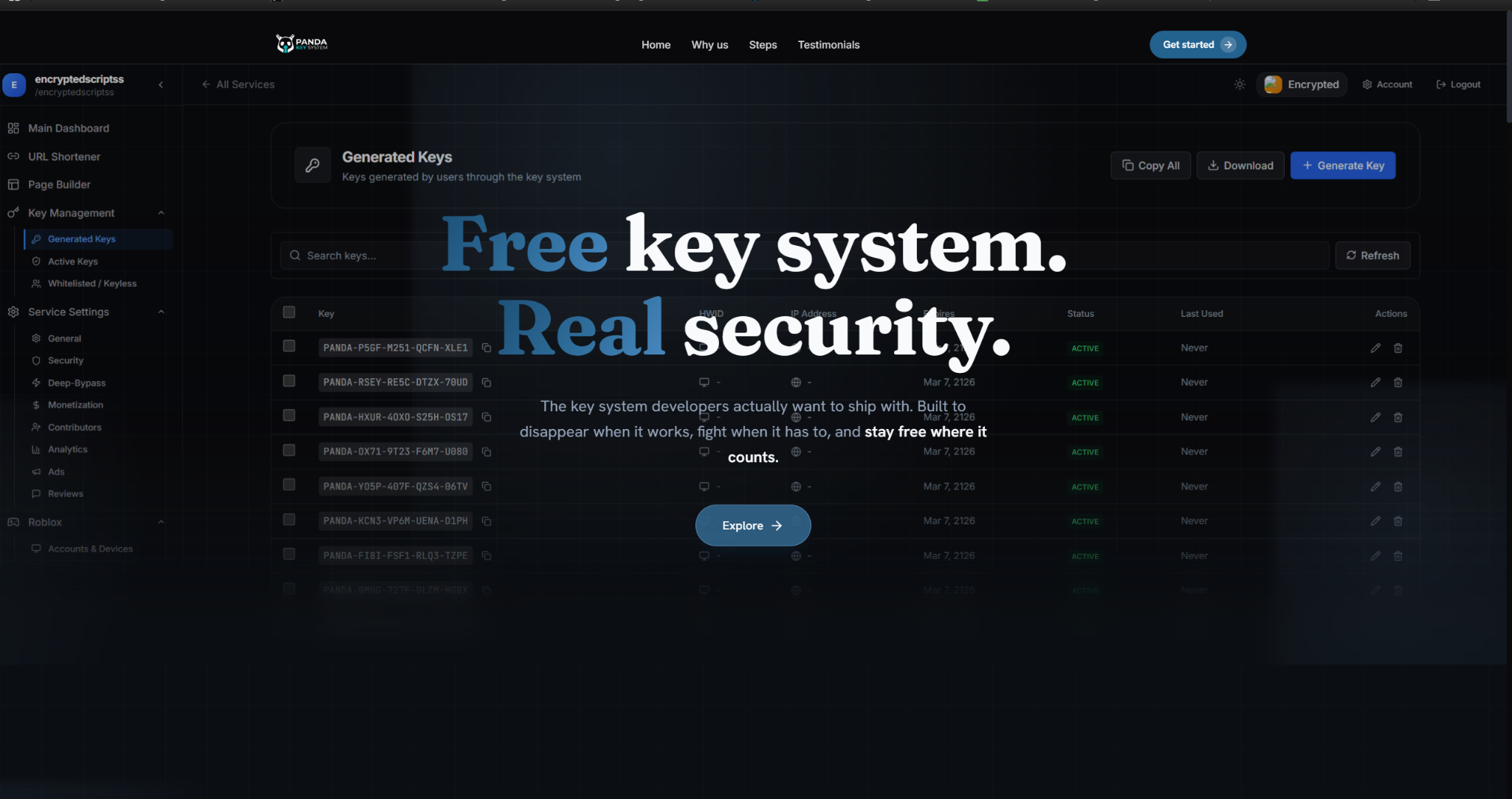
Go to pandauth.com. You land on the marketing site. In the top-right of the navbar (or behind the hamburger menu on mobile), click Get Started.

Step 2 — Pick an account type
Two options appear: User / Client and Developer. Pick the one that matches what you want to do:
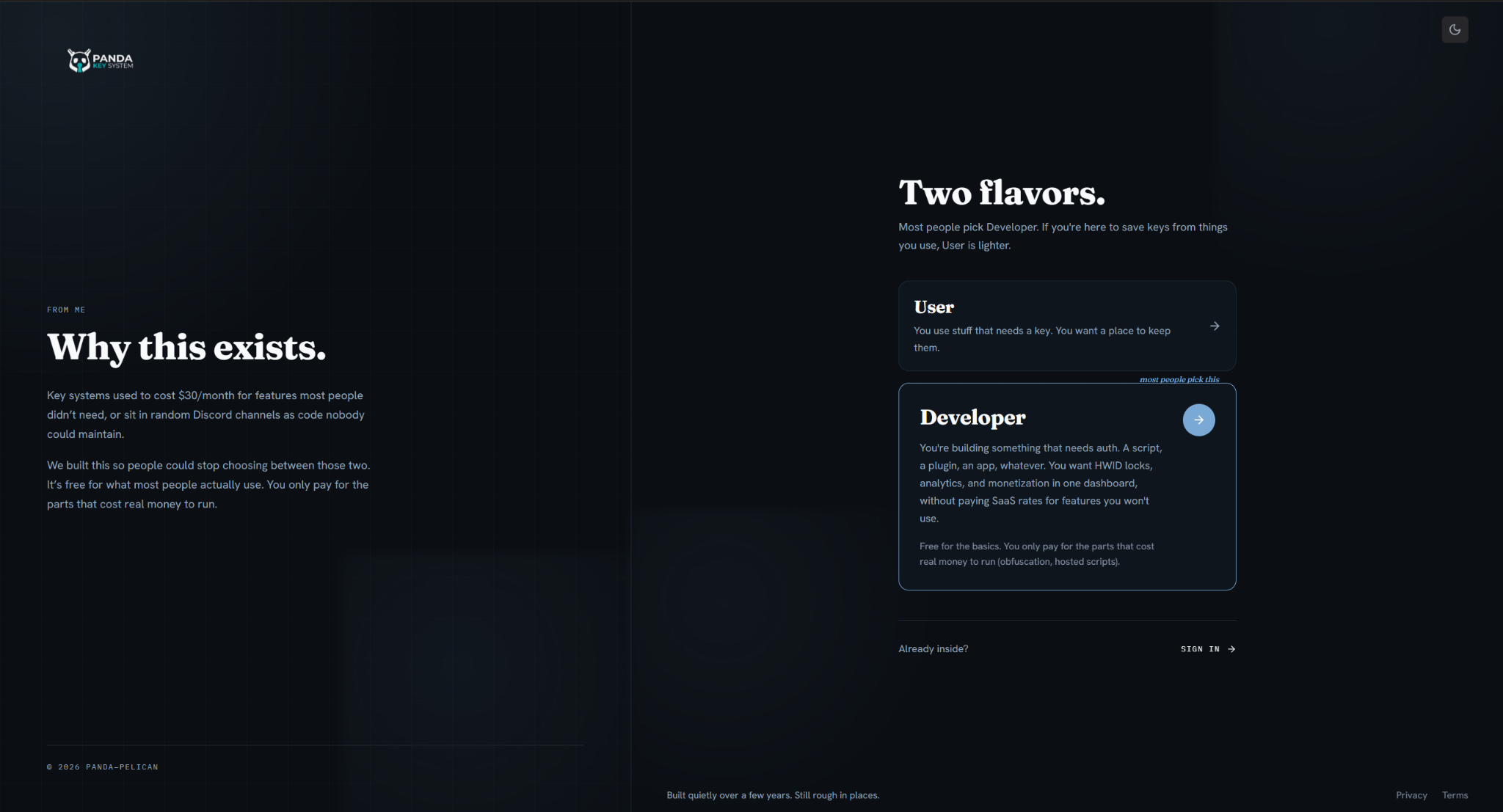
- User / Client — for users who just want our dashboard to track the keys they have collected from various services. No service creation, no API access. Use this if you're an end user.
- Developer — for developers who want to monetize scripts, software, or anything else through Panda Auth. Full dashboard, service creation, API access. Use this if you're a creator. This is what the rest of this page covers.
Step 3 — Pass the captcha
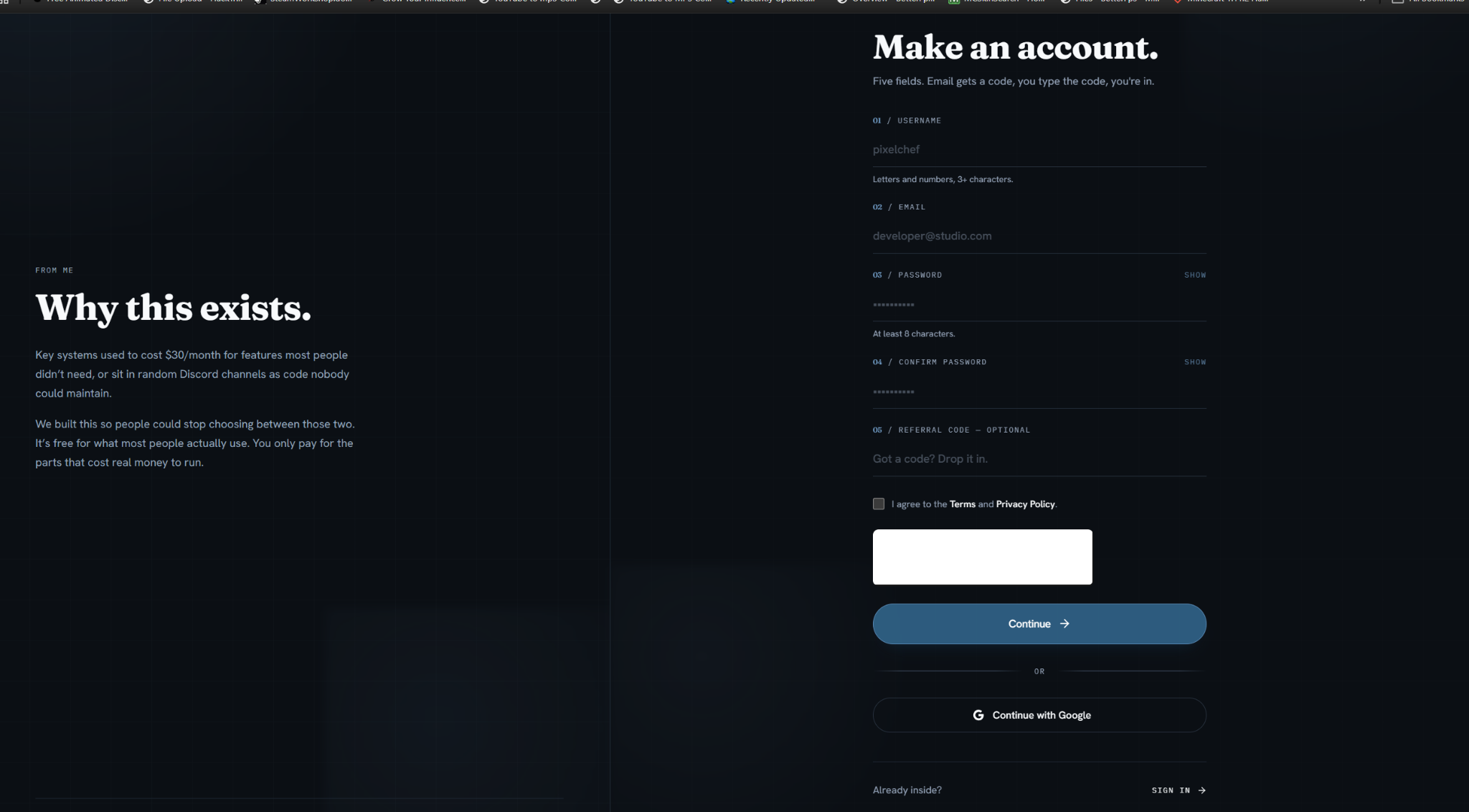
After selecting Developer, you're prompted to solve a captcha to confirm you're a real person before continuing.
If the captcha doesn't load
Step 4 — Fill in the registration form
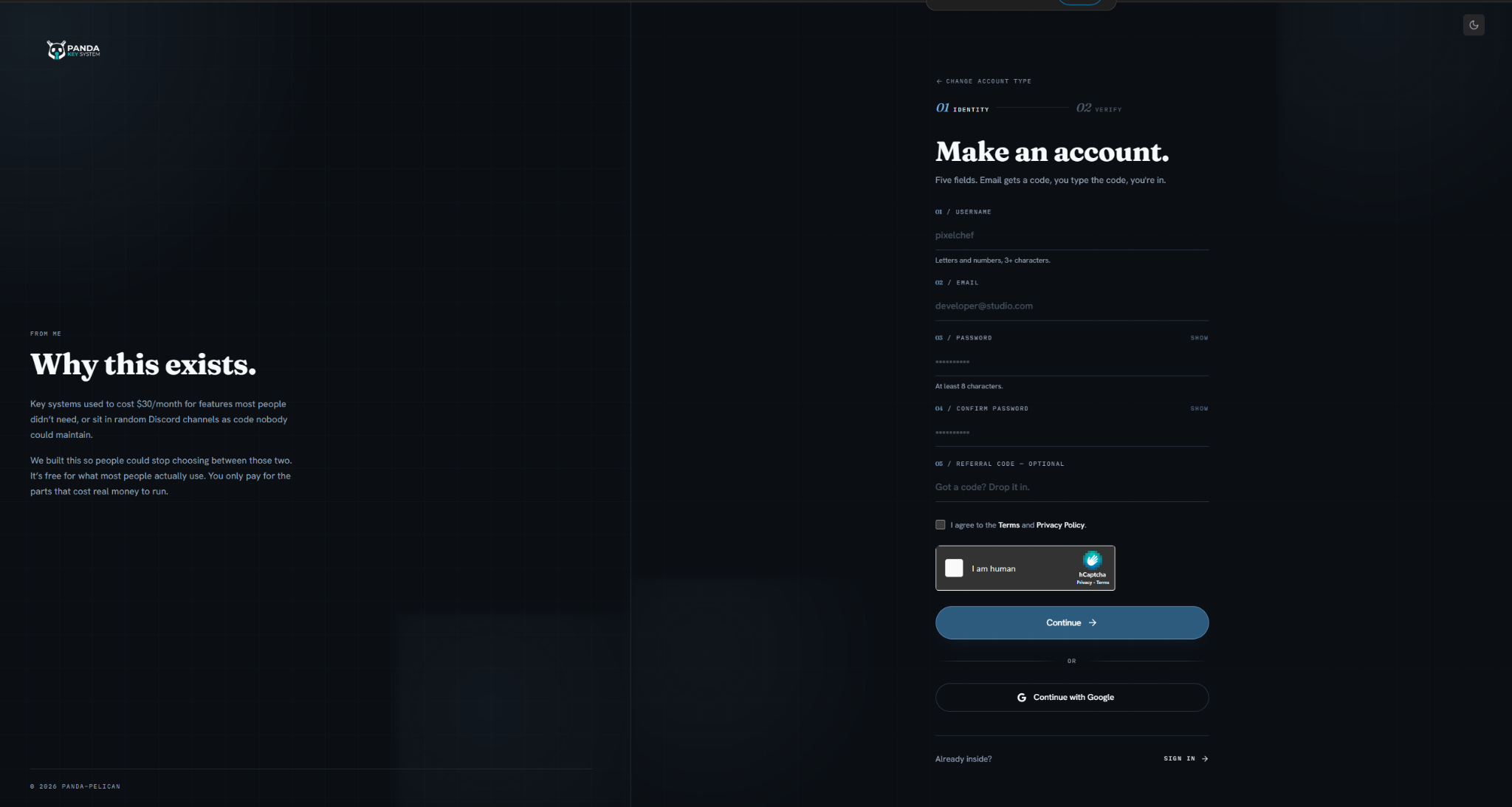
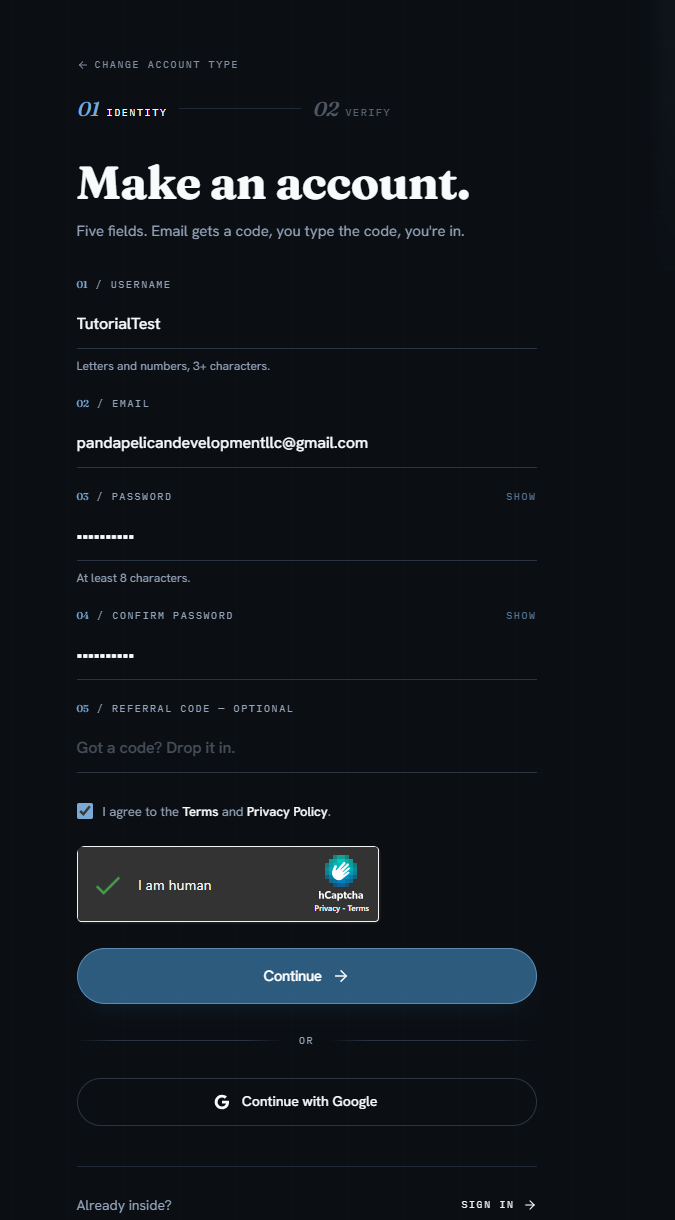
The form asks for username, email, password, and a confirmation. If you already have a Panda Auth account, click the Sign in link instead to log in. For a fresh account, fill in every field, solve the captcha, then click Continue.
Step 5 — Accept Terms and Privacy
Before continuing, you're asked to accept our Terms of Service and Privacy Policy.
Actually read them
Step 6 — Verify your email
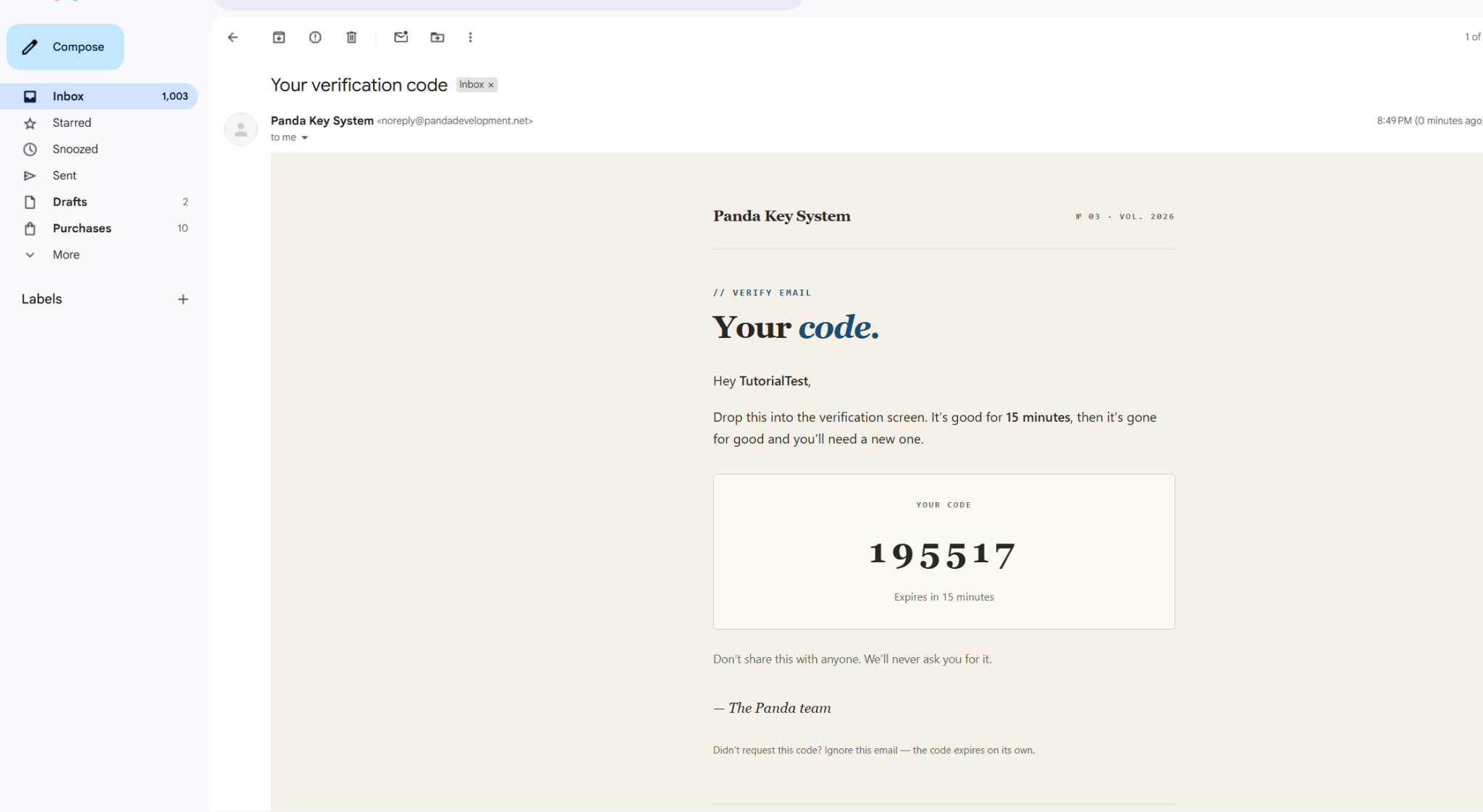
We send a verification code to the email you registered with. Open your inbox, find the email from Panda Auth, and copy the numeric code.
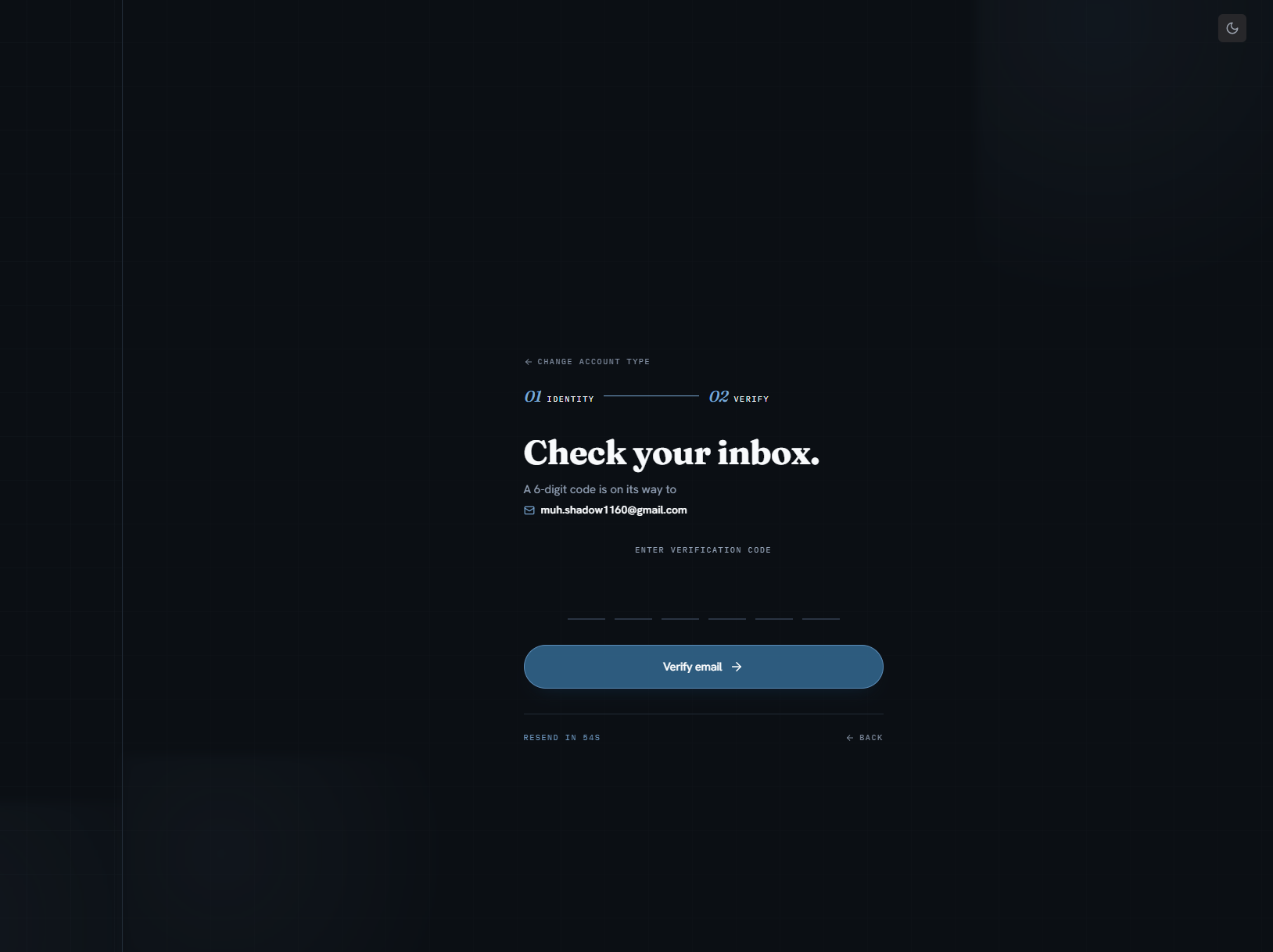
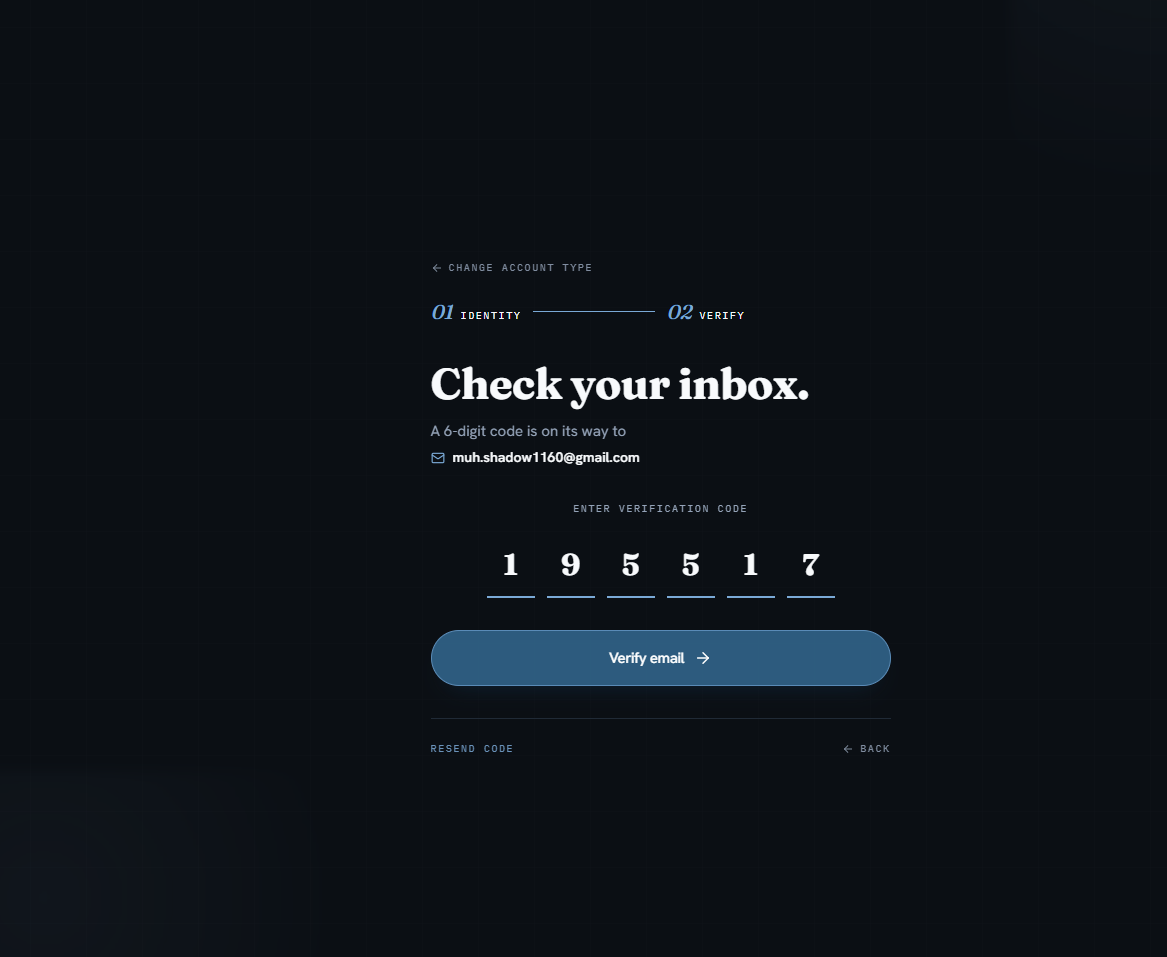
Paste the code into the verification input and click Verify Email.
If the email never arrives
Step 7 — Land in your dashboard
After verification, you're walked through a brief onboarding and dropped into your account dashboard.
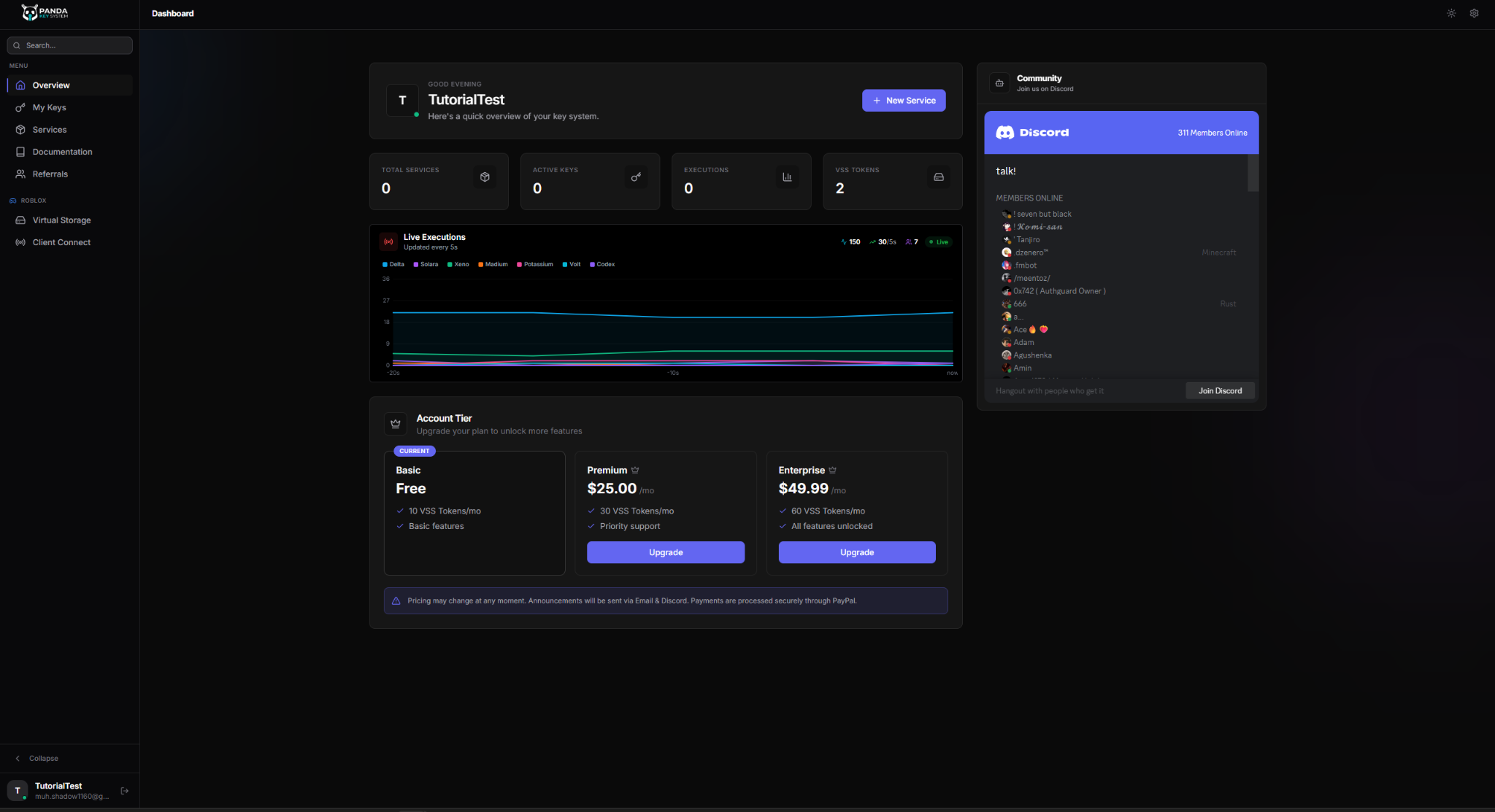
Done — you're registered